Guide | Mimecast Attach Large Files

Mar 17, 2026
 20
20
What is the large file size limit? - 2GB.
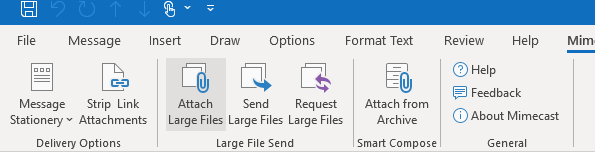
In a new email, click on Attach Large Files.
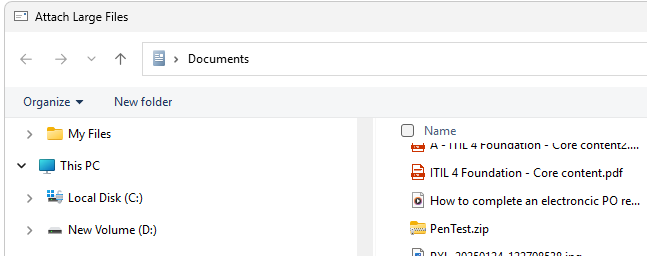
Choose your file from Windows Explorer - Click Open
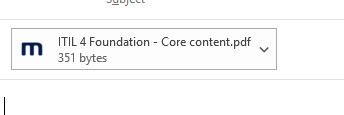
You will notice a mimecast email attachment was added to the email. The file name will be the same, but the size is very small.
Send the email as normal
The Recipient will receive 2 emails like this.- There may be a delay of a few minutes
1. 2.
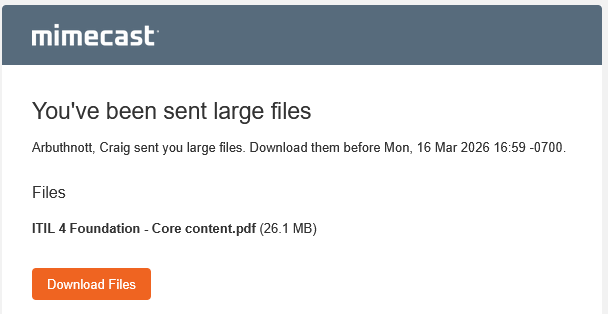
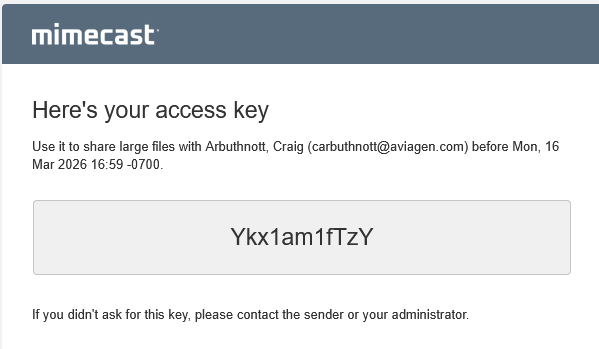
Click to Download and enter the access key when prompted
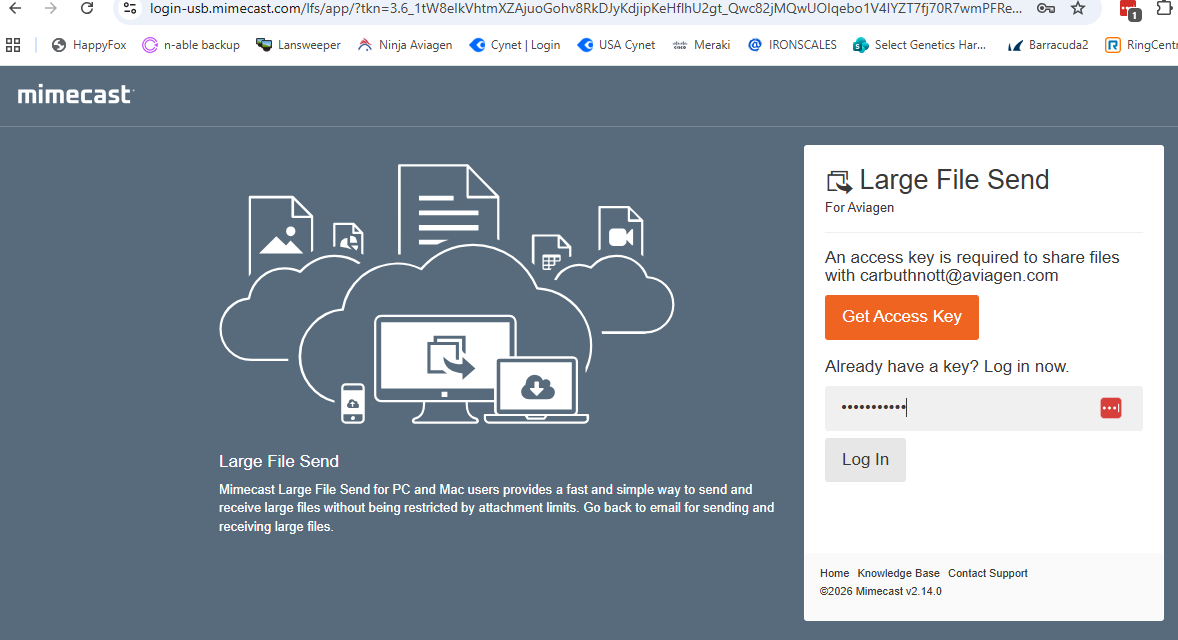
The recipient can download from the link provided
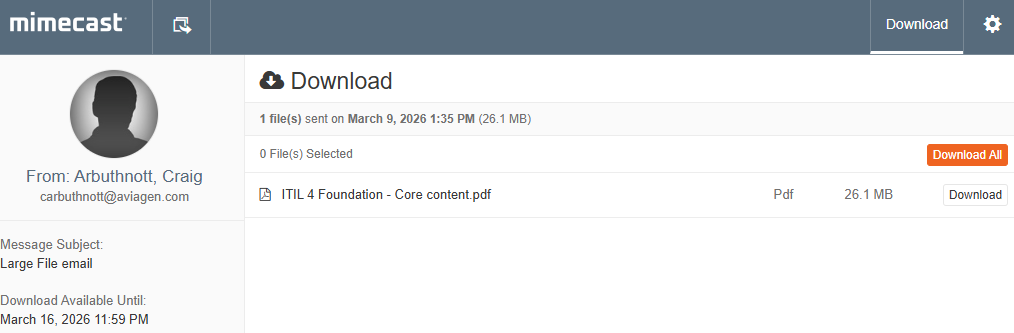
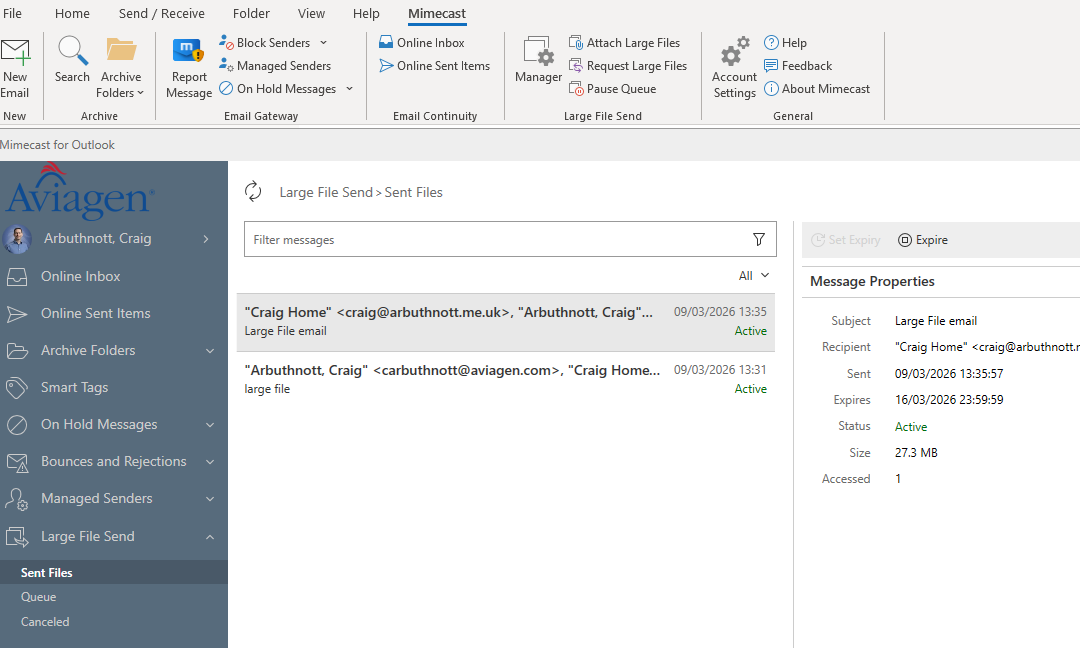
You can monitor your Large file sending by clicking Mimecast --> Manager
In here you can also Expire the message so it can no longer be downloaded