You are using an unsupported browser. Please update your browser to the latest version on or before July 31, 2020.
close
You are viewing the article in preview mode. It is not live at the moment.
Home > EU IT ServiceDesk > Mail & Spam > Guide | Mimecast Managed Senders
Guide | Mimecast Managed Senders
print icon

You have control of the emails you receive. If you incorrectly classify something as blocked when it should be approved, or vice versa you can change it in Managed Senders


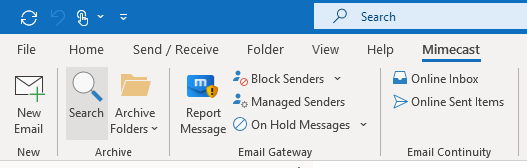
Click Mimecast --> Search


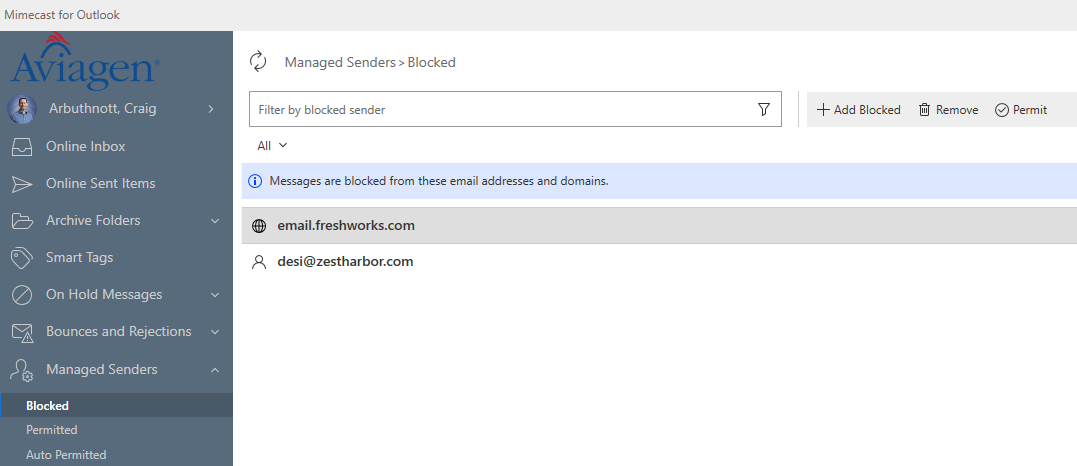
Click on Managed Senders and you can modify the senders classification.


Feedback
0 out of 0 found this helpful

scroll to top icon