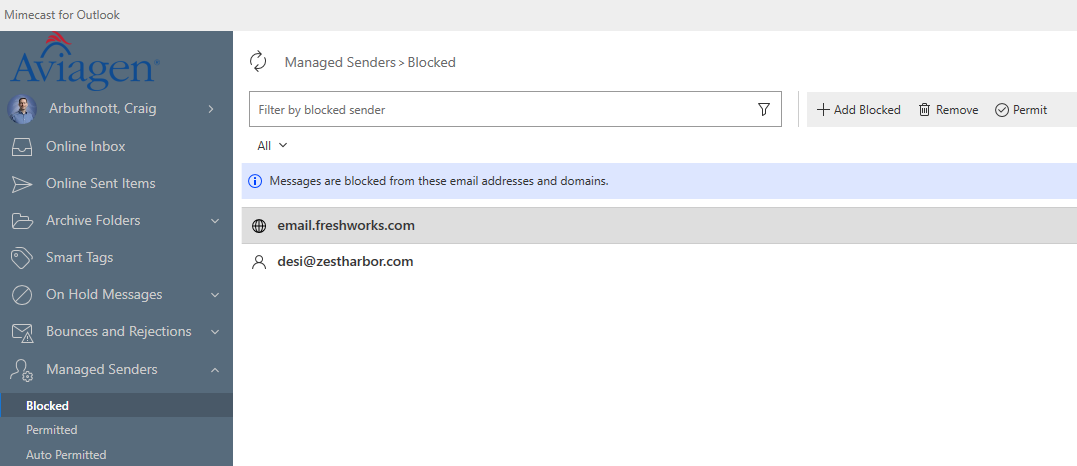
Guide | Mimecast Managed Senders
Last updated: Mar 20, 2026
513
views

You have control of the emails you receive. If you incorrectly classify something as blocked when it should be approved, or vice versa you can change it in Managed Senders
Click Mimecast --> Managed Senders
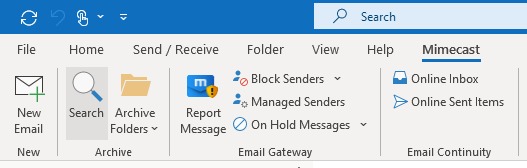
Click on Managed Senders and you can modify the senders classification.